




UTB eNews AU: Oct 2022
With the borders opening up Aussie trainers have been busy supporting schools around the country. Training highlights included a series of Minecraft sessions that Adrian ran
With the borders opening up Aussie trainers have been busy supporting schools around the country. Training highlights included a series of Minecraft sessions that Adrian ran

The high demand for training across Aotearoa has made for an action-packed month! Even

Latest update for Microsoft Teams: If you’ve seen the home page pop up in your

If you’re starting to worry that planning and reports will render your social life

Our trainers are asked frequently if we have a curriculum map linking Digital Technologies to other curriculum areas, across age groups and levels. The answer is yes, but not for you! Curriculum Mapping needs to be aligned with school wide strategy, values, community and more. There is no one size fits all. In order to create a meaningful, useful, relevant map that serves your learners many things must be considered. This blog series explores how you can do just that.
Handy Hacks to Harness the Power of Teams for Education Microsoft Teams for Education

If you’ve ever wanted a variety of tools and functionality at your fingertips, Chrome
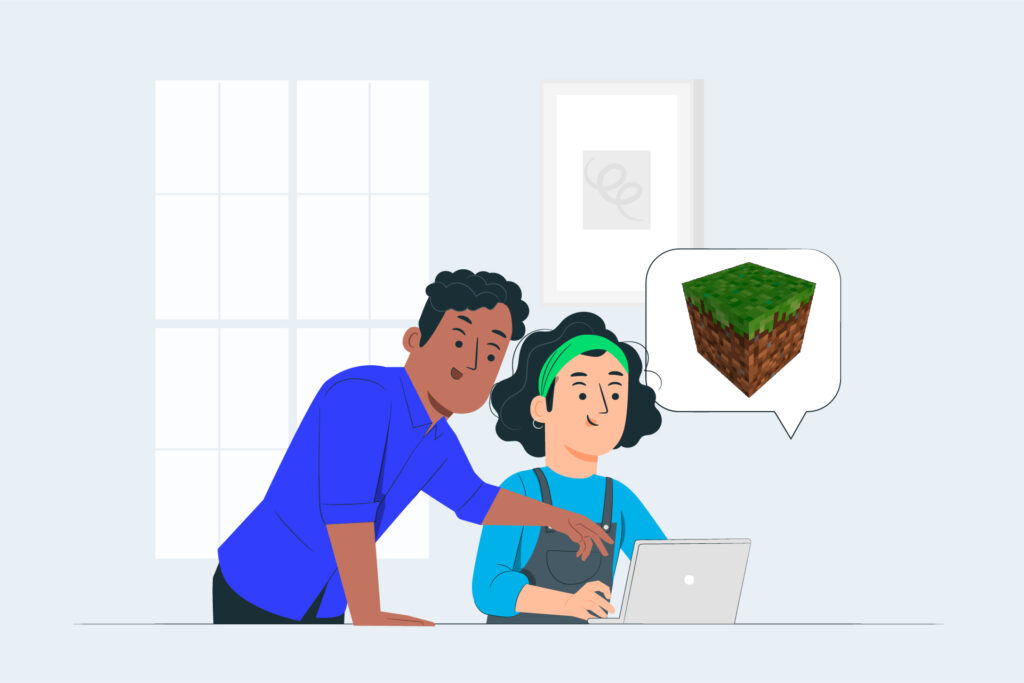
Getting your students engaged can often be an uphill battle. But Minecraft is a surefire way to get them riveted. In Minecraft Innovative Assessment Practices:
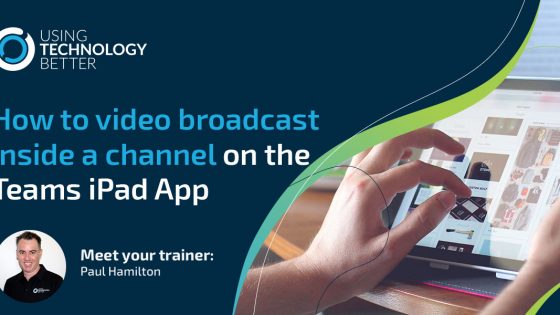
Many teachers use the iPad Teams app but are unaware that you can in fact broadcast any application live to a Teams Channel. This opens up an entirely new toolset to share instructional videos with your students. Book Creator, Keynote, SeeSaw, Procreate and all of your other favourite apps come to life in the Teams App for iPad for the first time.

Many teachers use the iPad Teams app but are unaware that you can in fact broadcast any application live to a Teams Channel. This opens up an entirely new toolset to share instructional videos with your students. Book Creator, Keynote, SeeSaw, Procreate and all of your other favourite apps come to life in the Teams App for iPad for the first time.

Why is it that in schools, more often than not, we simply ask students to ‘write’ their story. In many cultures, their traditions and histories are passed on mainly through the rituals of oral, not written, storytelling. This blog looks at a more creative way for students to tell their story.

It’s time for Gmail and let me tell you I’ve been doing this for a long time with Gmail and I’m going to put out a scenario to you all and I can’t see if you’re nodding but my guess is going to be, you will.
You use your translate but in Google sheets you can actually do it yourself, so let me just wipe out some formulas here and show you how it works, so let’s pretend that we’ve type been something over here in English.
I’m going to show you a Google classroom tip. In this media management classroom that I in, this is actually a student view so this is Clumsy Smurf here and this is an assignment that Clumsy has been allocated by his teacher.

Google Keep is amazing. So it’s kind of a bit like a hybrid sticky note. Kind of task list, just ways to capture information that you want to keep hence the name so if you’ve not seen it before, when you have got any G suite tool open or you’re even on the Google search page.

In Google Classroom you have the ability to give feedback, manage and grade student work all in one place. Teachers are able to give students a number grade and the total grade can be customised to your marking system. There is also the ability to copy all grades into a Google Sheet, allowing teachers to work with student data in powerful ways.
Google Sheets is a great tool for classroom teachers. It can help you increase your efficiency and organisation. If you’ve never used spreadsheets before they can be a little intimidating, but once you get started I’m sure you’ll realise how powerful Google Sheets really is. This blog post will give you five tips that I wish I’d known when I started using them.

In this short blog post, we outline some of the professional development events we have planned for New Zealand teachers. We have STEAM / Digital Technologies training, Google Certifications and more. Check out all the details as well as ways you can request expert professional development for your school.