



(function(w,d,s,l,i){w[l]=w[l]||[];w[l].push({'gtm.start': new Date().getTime(),event:'gtm.js'});var f=d.getElementsByTagName(s)[0], j=d.createElement(s),dl=l!='dataLayer'?'&l='+l:'';j.async=true;j.src= 'https://www.googletagmanager.com/gtm.js?id='+i+dl;f.parentNode.insertBefore(j,f); })(window,document,'script','dataLayer','GTM-WWPJMT6');

Category: Apple

Using Markup and annotation in iOS

Using Markup and annotation in iOS

With more documentation being digital, occasionally the need arises to be able to add notes or sign a PDF. Previously this involved printing the document, signing it, uploading it and then scanning it before sending it. Markup solves this problem and can be used easily on an iPad or iPhone.
Multiple Desktops (1)

Multiple desktops allow you to multitask

Before laptops were common, when I was working on a project I would have several books open and many pieces of paper all on a big table. Nowadays we can have the same experience by using multiple desktops to multi task.

Split-screen is like having multiple monitors

Split-screen mode divides your computer screen into two halves so you can view two different windows at the same time. Not only does this allow more screen real estate but it makes your workflow more efficient.

Spring clean your device

It is good to spring clean your device every now and then. With memory being cheap and being able to search for anything, we tend to be a bit lazy saving files and installing apps. Before we know it, our desktop is a mess and we have a stack of apps that we may have used once but now just take up room, so where do we start?

Apple Shorts

Apple Shorts – Episode 1 – Notes

[podcast]    Download PDF Transcript Transcript: Apple Shorts – Episode 1 – Notes Good day and welcome to this episode of Apple shorts.  I’m Adrian from Using Technology Better and in under four minutes you’re going to learn some

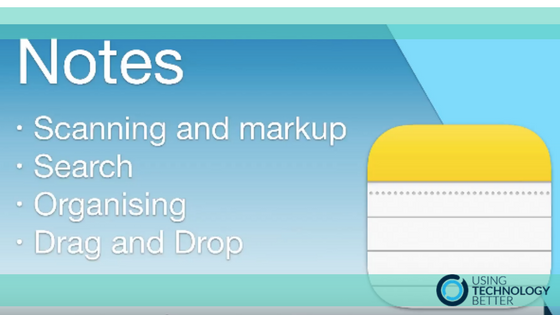
Notes in iOS11

Notes in iOS11

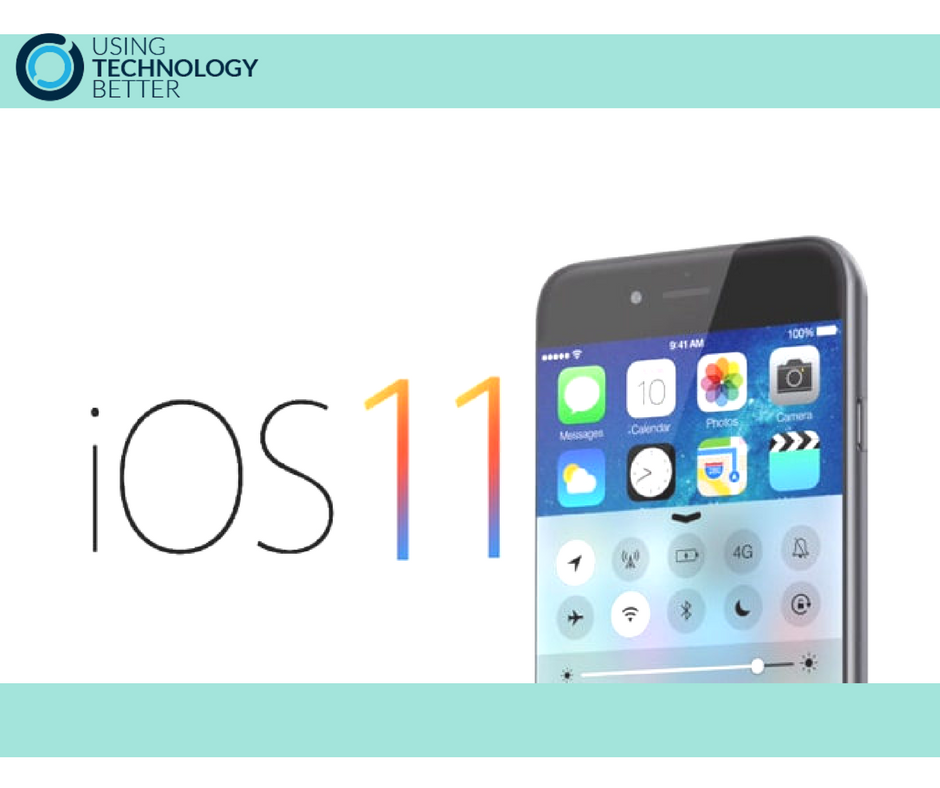
The functionality of Apple Notes has been improved and it is now a great tool that integrates seamlessly with all the other native Apple apps.

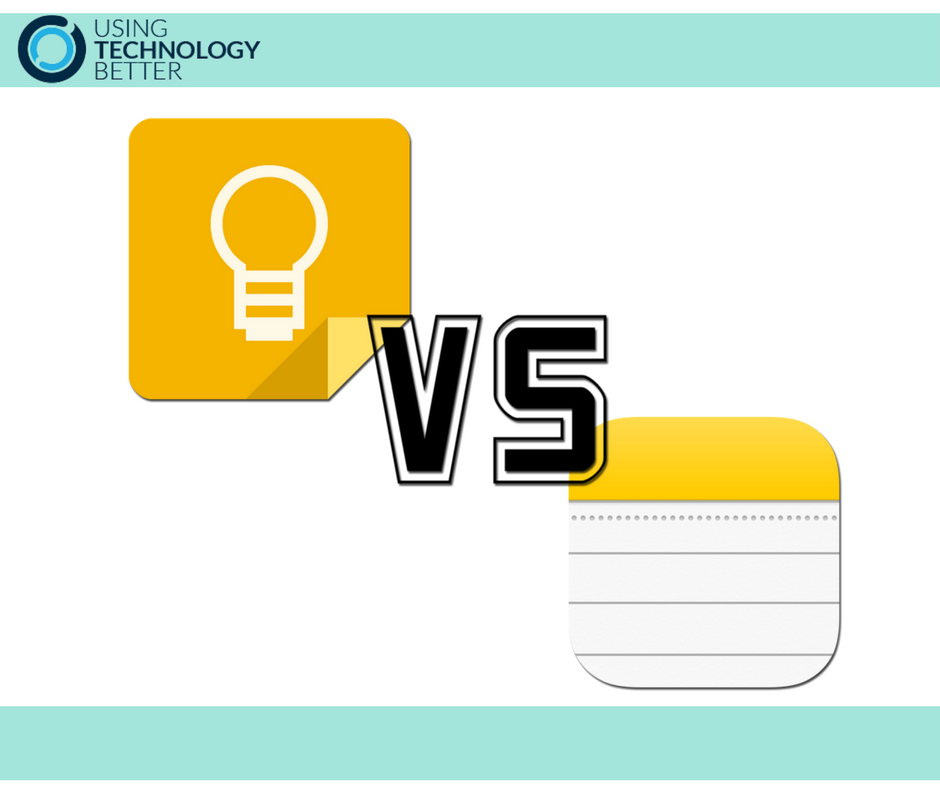
Google Keep vs Apple Notes

Now with iOS11, Apple Notes has a lot more functionality and ‘cool things’ that makes it a great alternative to Google Keep. When you line them up next to each other on a mobile device, which one comes up trumps?

Smile with the Camera App in iOS11

Some of the upgrades within the release of the new iOS are so subtle you may not know they are even there. A good example is the updates to the camera, which may fly under the radar. If you are like me, you are probably taking more photos and shooting more video on your phone compared to any other device.

Using the Files App on iOS11

With any update of an operating system, there are always a couple of really nice improvements lurking within. The Files app in OS11 provides a fantastic file management system.

iOS11 Screen Recording

Screen recording from an iOS device is now easier with iOS 11. A good use for this in the classroom when demonstrating to students how to use an app or other function like split screen or multi tasking.